
How to Stop Discord Raids in 2026
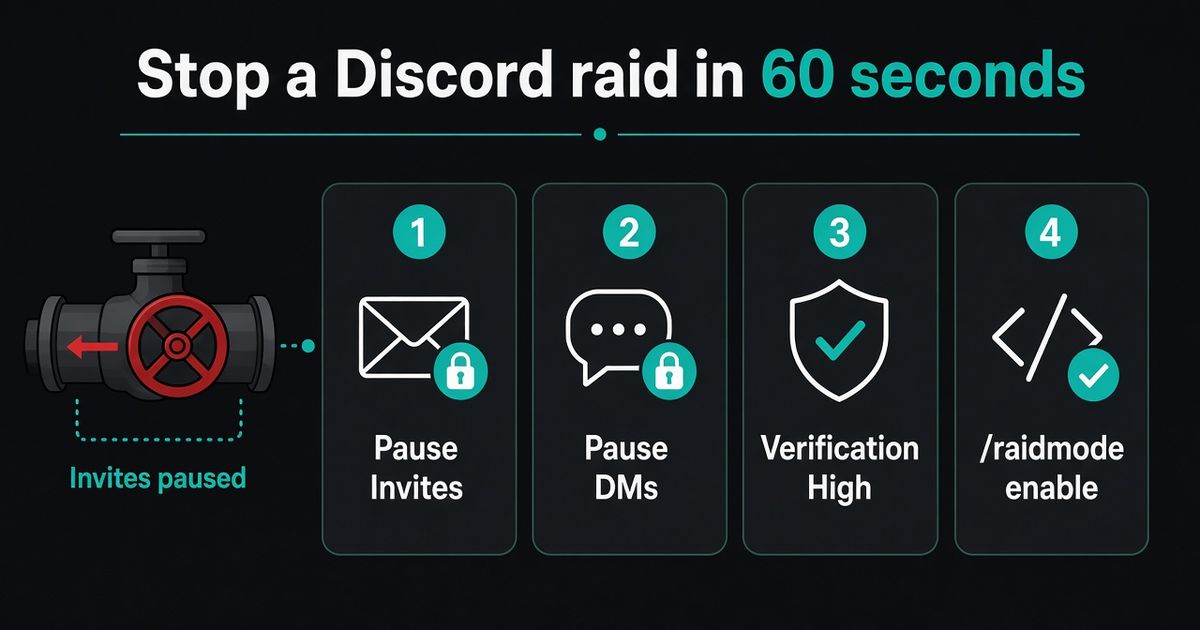
Pause invites before you finish this sentence. Server Settings → Invites → Pause Invites (Manage Server). Existing links stay. New raiders stop arriving. Then raise Verification Level to High, pause DMs with Security Actions, and if BetterAntispam is already in the server, run /raidmode enable (Administrator). Default punishment is kick. Discord’s raid guide is the official first page. I maintain this bot. It detects and responds. It does not prevent every raid, and a bot you have not installed yet will not help you in the next sixty seconds.
Editorial disclosure: This guide is published by BetterAntispam. We recommend BetterAntispam when you want join-rate detection, a manual raid switch, verification, and antinuke in one slash-command stack. Native Discord tools come first. Thresholds come from the bot’s source.
TL;DR: People searching how to stop discord raids, how to stop a discord raid, how to stop a raid on discord, and discord raid protection need a valve, then a mop. Pause Invites. Pause DMs. Raise Verification Level. Then/raidmode enableif the bot is in. After the wave:/antiraid settings,/lockdown,/verification settings. A join flood is not a nuke. Do not start by deleting invite links.
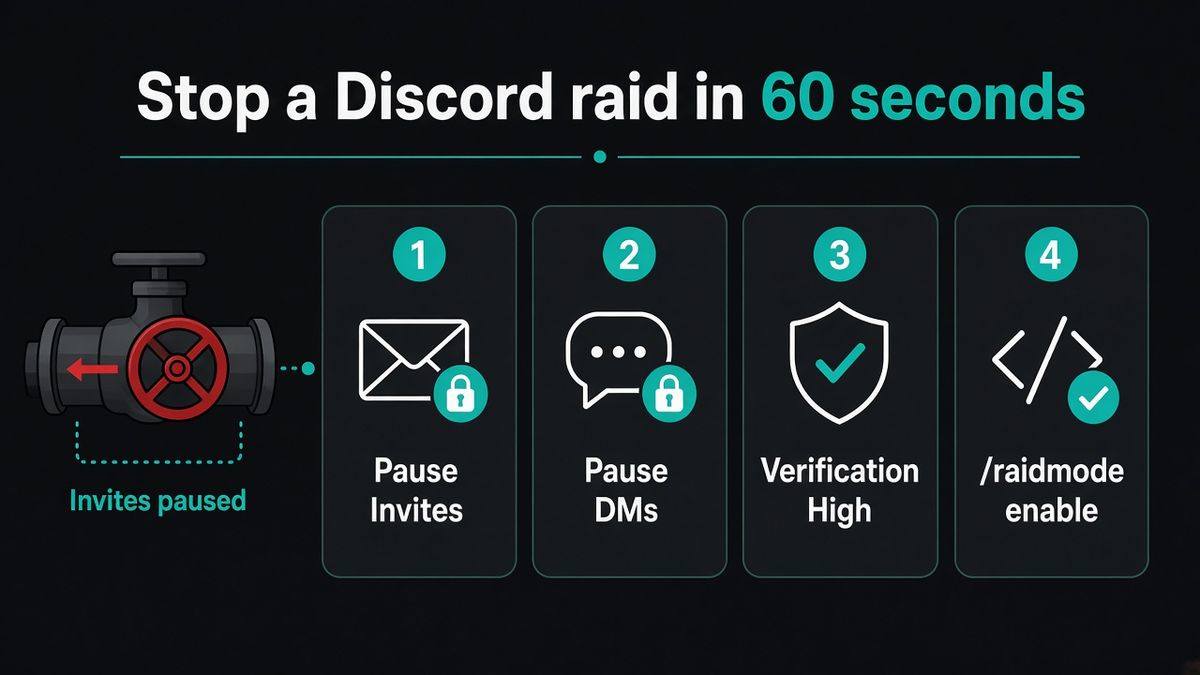
How to stop a Discord raid in 60 seconds
Work in this order. The first three steps are Discord’s, free, and do not need a bot.
- Pause Invites. Server Settings → Invites → Pause Invites. Needs Manage Server. Pause Invites FAQ: links, embeds, vanity URLs, and Server Discovery joins stop. The URLs themselves stay.
- Pause DMs. Server dropdown → Security Actions. Pause invites again if you are on mobile, and pause DMs between non-friends. Activity Alerts and Security Actions. Discord caps a timed Security Action at 24 hours.
- Raise Verification Level to High or Highest. Safety Setup → Verification Level. High needs a verified email, an account older than five minutes, and ten minutes in the server before they can talk. Verification Levels. Admins and moderators bypass this.
- Turn off
@everyone/@hereon roles you do not trust. Discord’s raid article lists that before any third-party bot. - If BetterAntispam is already invited, run
/raidmode enable(Administrator). Default is kick. Optionalpunishmentban or mute,enable_afterto delay,dm_members. This is the “I am being raided right now” switch. It is not the always-on detector.
Do not start by banning. New accounts will keep walking in through the same invite while you click one at a time.
If you have no bot yet, stay on the native steps. Do not stop to install software while joins are still open.
How to set up BetterAntispam after the wave
This is the product section: invite, then the raid commands.
- Add BetterAntispam. You need Manage Server to invite it. Leave Administrator on the invite so it can kick, ban, mute, and lock channels.
- Run
/setup(Administrator). Pick a log channel. - Run
/antiraid settings(Administrator). Leave auto-scale on unless you already know a launch-night join rate. Under 50 members, 3 joins in 10 seconds is worth noticing and 5 is a strong signal. At about 10,000 members the auto-scale lines are 15 (watch) and 25 (always treat as a raid) in 10 seconds. With auto-scale off, the manual default is 5 joins in 10 seconds. - Suspicion presets are 4 (strict), 6 (balanced), 8 (lenient). The raid CAPTCHA defaults to 120 seconds (10–600).
- Run
/verification settings(Administrator) if the server is public. Default mode is button. Members run/verify. - Run
/antinuke settings(Administrator) and turn it on. The master toggle defaults off. A join raid is not a staff nuke. They are different attacks. Longer guide: best Discord anti nuke bot. - Optional:
/honeypot settings(Manage Server). Trap channels no real member should post in. Default action is softban.
Docs: documentation. Support: Discord server. Core antiraid is free. Shield is sold in the application store. Similar-username detection and custom suspicion weights are Shield.
If you are shopping for a dedicated anti-raid bot rather than a playbook, that comparison is here: best Discord anti raid bot.
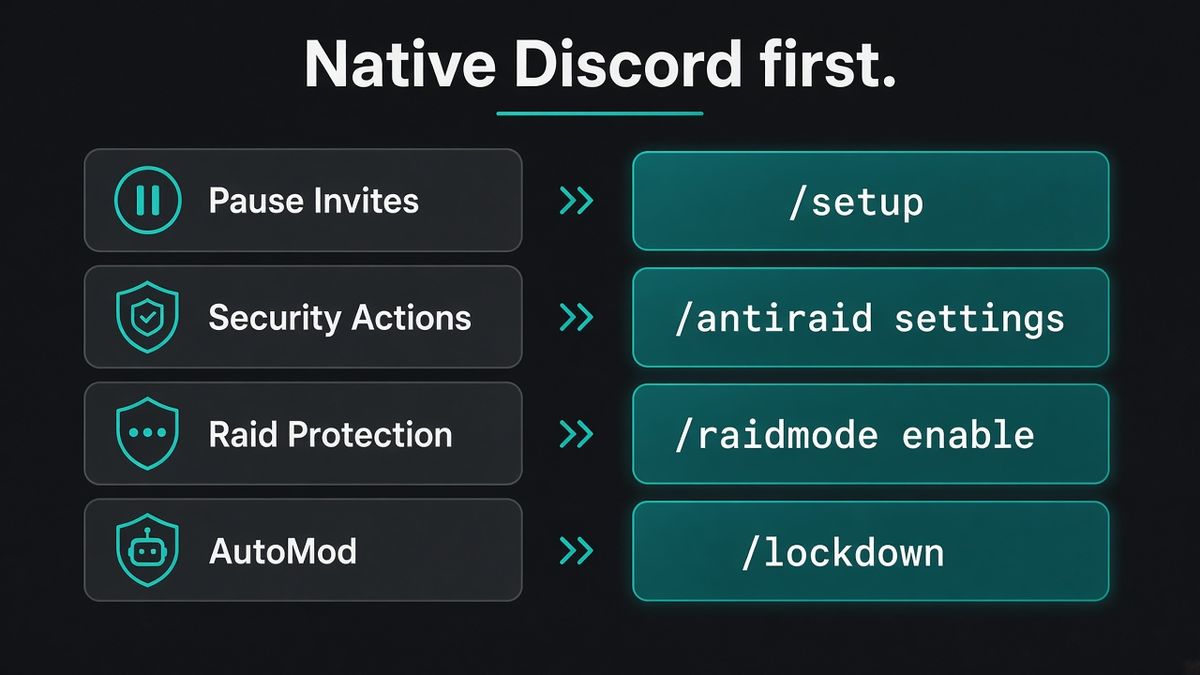
Use Discord’s own raid tools first
I will not pretend a slash command replaces the valves Discord already ships. How to Protect Your Server from Raids 101 is the official order.
| Native tool | Where | What it does |
|---|---|---|
| Pause Invites | Server Settings → Invites | Stops all new joins without deleting links |
| Security Actions | Server menu | Pause invites and non-friend DMs, timed, up to 24 hours |
| Raid Protection | Safety Setup | ML join-raid detector. Alert plus CAPTCHA for new joins for an hour. Still rolling out on Community servers |
| Verification Level | Safety Setup | High or Highest during a wave |
| AutoMod | Server Settings → AutoMod | Blocks keywords, mention spam, and Discord’s spam model before a message posts. AutoMod FAQ |
| Report Raid | Server dropdown | Community servers, desktop, needs Kick or Ban Members |
Raid Protection availability can be limited. Discord says so on that page. That is why a bot still earns a place on a public server that never got the native detector.
For mention spam, turn on AutoMod’s Block Mention Spam rule. For the chat dump after they are in, that is how to stop spam in Discord, not this page.
Join raid vs mention raid vs nuke
Ranking pages mix three attacks. The first sixty seconds only match a join flood.
| Attack | What you see | First move | BetterAntispam command |
|---|---|---|---|
| Join raid | Throwaway accounts arriving in a burst | Pause Invites | /antiraid settings, /raidmode (Administrator) |
| Mention / chat raid | Accounts already in, dumping pings or paste | AutoMod, /lockdown, /slowmode | /antispam settings (Administrator) |
| Nuke | A staff account deleting channels, roles, or mass-banning | 2FA, fewer Administrators | /antinuke settings (Administrator) |
A verify gate slows humans. It does not watch join rate. Pair /verification settings with /antiraid settings. Guide: Discord verification bot.
The umbrella security comparison, if that is the tab you actually opened: best Discord security bot.
Lock the chat without killing the invite
People grab the wrong lock. These do different jobs.
| Tool | What it stops | Permission |
|---|---|---|
| Pause Invites | New joins | Manage Server, native |
| /raidmode enable | Punishes every new join (kick default) | Administrator |
| /lockdown channel | Send Messages and Add Reactions in one channel | Administrator. Bot needs Manage Channels |
| /lockdown all channels | Same, server-wide | Shield |
| /serverlock action:enable | Server lock flag. Password mode is Shield | Administrator |
| /slowmode | Seconds between messages in one channel | Manage Channels |
/lockdown does not hide the channel. People can still read. It does not stop joins. Unlock with /lockdown unlock. Server-wide unlock is /lockdown unlockall (Shield). Channel lock how-to: how to lock a Discord channel.
/serverlock on its own sets a flag. Password mode creates #server-password. Five wrong guesses, then kick. Password mode is Shield. For “nobody new gets in,” Pause Invites is the better free tool. I would use /serverlock for the password gate, not as a generic lock.
After the raid
Keep a transcript before you wipe. The spam is junk. The pattern is not: which accounts, which invite, which order.
/purge (Administrator) deletes in the current channel, max 1000, and Discord’s bulk-delete API only covers messages under 14 days old. /nuke (Administrator) wipes a channel the same cap. Then revoke the invite they used. Pause first. Delete the code second. Do not burn the vanity URL unless that was the pipe.
Report Raid if you are on a Community server. Then unpause invites and put Verification Level back where you actually want it. Servers stay quietly locked for weeks and growth dies.
Turn /antinuke settings on before the next bad night. It defaults off.
FAQ
How do I stop Discord raids right now?
Pause Invites, pause DMs with Security Actions, raise Verification Level to High. If BetterAntispam is in the server, run /raidmode enable (Administrator). Remove accounts after the flow is stopped.
Can I stop a Discord raid without a bot?
Yes. For the first minute you should. Pause Invites, Security Actions, AutoMod, Raid Protection, and Verification Levels are native and free.
How many joins count as a raid?
On BetterAntispam with auto-scale, a server under 50 members treats 3 joins in 10 seconds as worth noticing and 5 as a strong signal. Around 10,000 members those lines are 15 and 25 in 10 seconds. A shout-out can look like a raid. Look at the Members page before you start mass-banning.
Will anti-raid kick real members?
It can. Default sensitivity is balanced. Whitelist staff. A launch spike looks a lot like a raid. I would rather review a log than explain a false kick to a donor.
What is the difference between anti-raid and anti-nuke?
Anti-raid watches joins. Anti-nuke watches staff with permissions. A raid bot will not stop a compromised moderator deleting channels.
Does lockdown stop new members joining?
No. /lockdown stops posting. Pause Invites or /raidmode stops the door.
Is Discord Raid Protection enough?
For many private servers, yes, with AutoMod and a Verification Level. Add a bot when you want your own join-rate rule, a honeypot, or antinuke. Raid Protection is still rolling out.
Final verdict
The way to stop Discord raids in 2026 is Pause Invites first, then a mop. Native tools in sixty seconds. /raidmode enable if the bot is already in. /antiraid settings and /verification settings before the next wave. /antinuke settings for the insider case, because that toggle starts off. Do not install three half-configured anti-raid bots while the invite is still live.
— Adam
More guides
- Best Discord Anti Raid Bot in 2026
- Best Discord Security Bot in 2026
- Best Discord Verification Bot in 2026
- How to Stop Spam in Discord
- How to Lock a Discord Channel
- Best Discord Anti Nuke Bot in 2026
- Discord anti-raid feature




















































